01
Identity Consistency
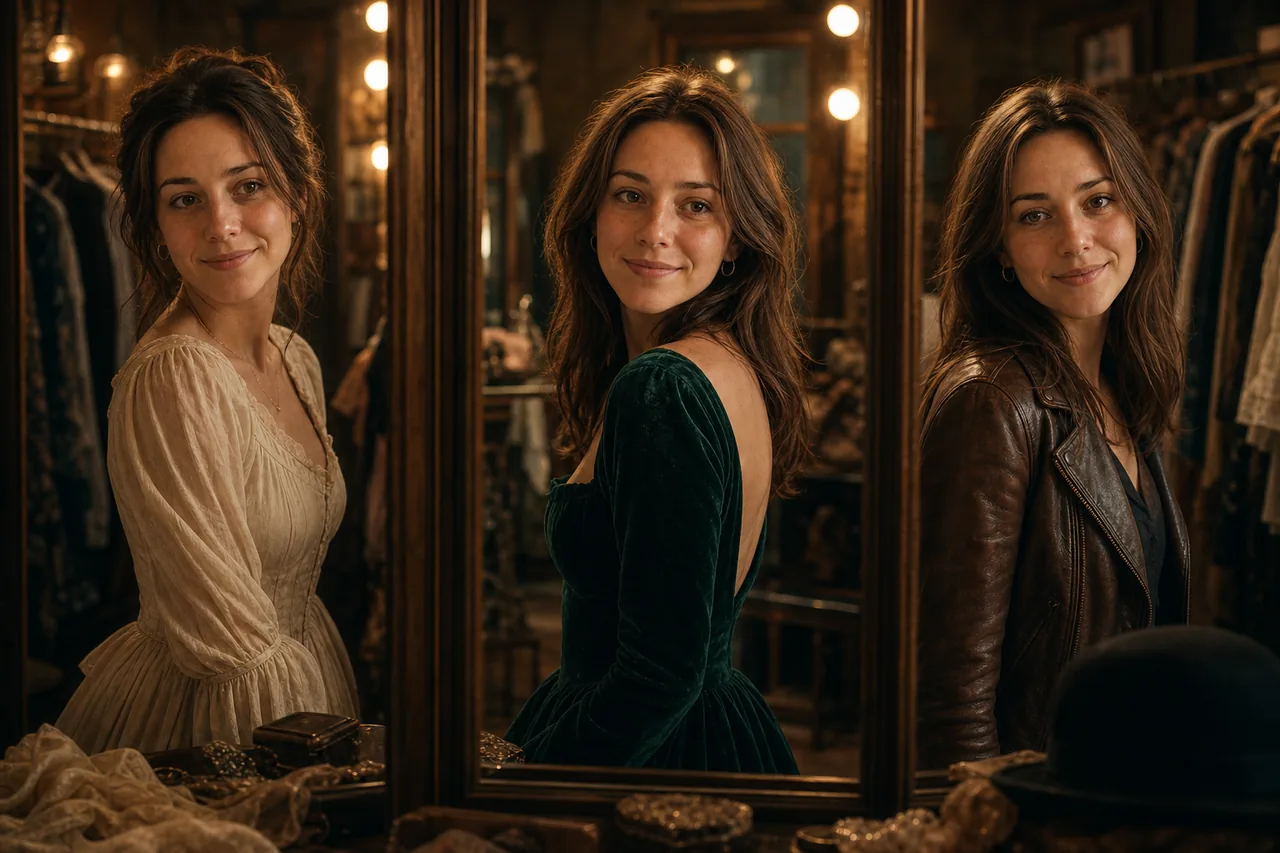
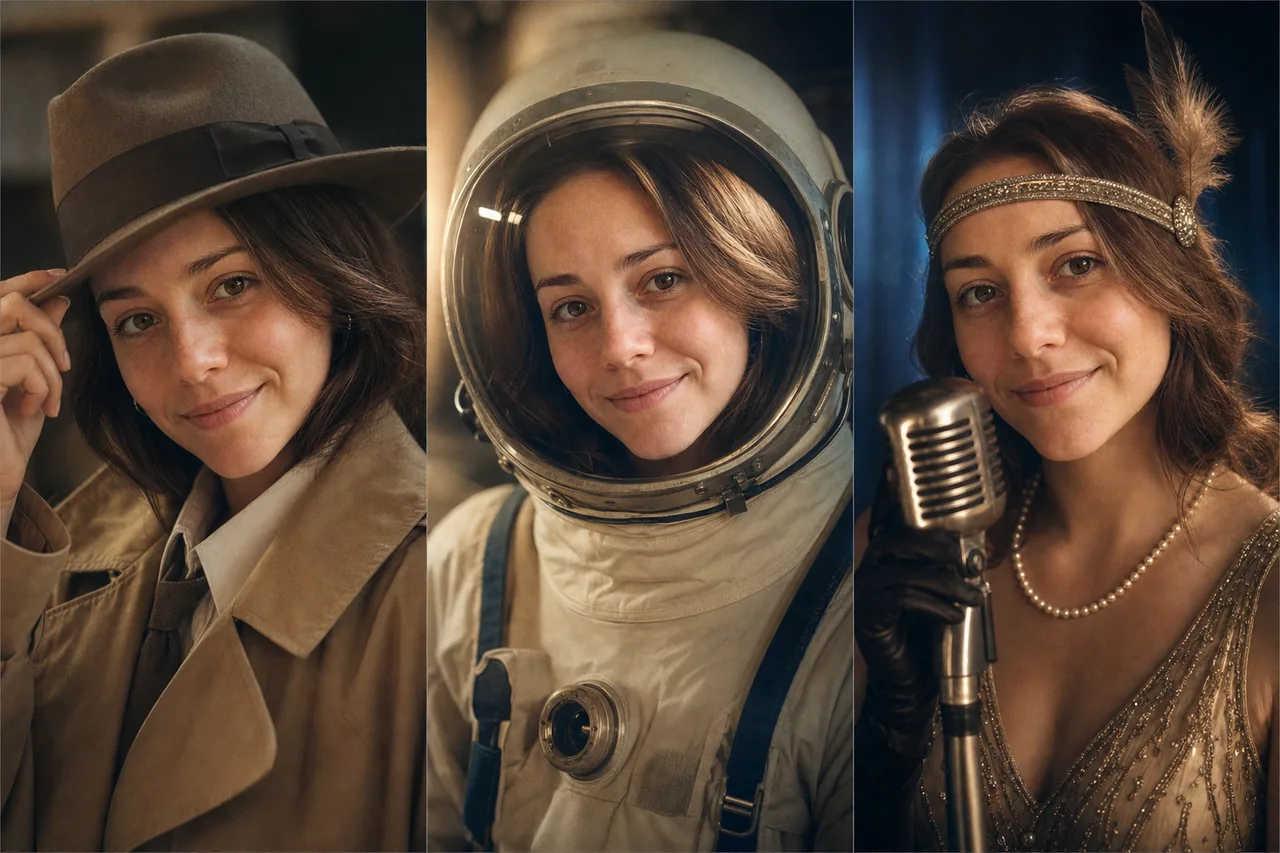
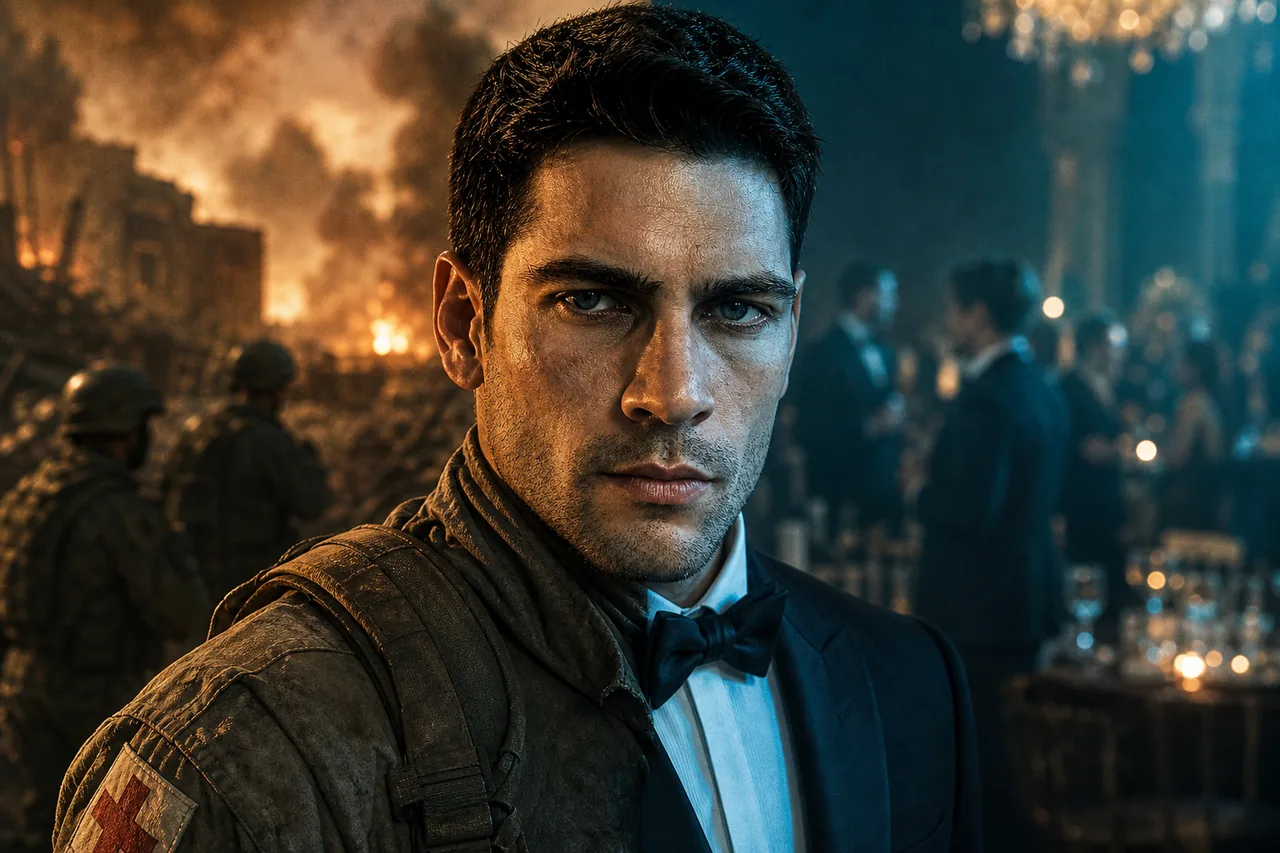
Upload a reference photo and your character maintains the same face, body type, and features across every generated clip, even in different outfits or lighting.
Upload a reference photo and your character maintains the same face, body type, and features across every generated clip, even in different outfits or lighting.
Direct your character through a range of emotions, from subtle smiles to dramatic reactions. The AI generates natural facial micro-expressions and body language.
Build sequences where the same character appears in multiple scenes. Combine with the Studio timeline to create narrative-driven content with a persistent cast.
That is the whole question, and most tools answer it badly while sounding like they answer it well. "Consistent character" is claimed by almost everything in this category. What varies enormously is the mechanism, and the mechanism decides whether it survives a fourth shot.
Three mechanisms are in circulation. A seed lock re-uses the same random seed and gets you a similar-ish face until anything else in the prompt changes. A LoRA or fine-tune trains a small model on your character, which works well and costs a training run per character. A reference image is passed as an input to the generation itself — no training, and the model is looking at the actual face while it renders.
Reelfo uses the third. A character is rendered once as a subject sheet, or you upload a photo, and that image is attached to every shot the character appears in. There is nothing to drift toward, because shot four is reading the same file shot one read. The limit is how many reference slots a model exposes — three on Veo 3.1, four on the Kling models and Vidu Q3, seven on PixVerse C1 and Grok Imagine Video, nine on Seedance 2.0.
Slots matter more than they sound. One slot holds your lead. A two-hander needs two in the same frame. An ensemble scene with four speaking parts needs four, and on a model with three slots the fourth character is silently dropped rather than blended.
Reference slots is the per-shot cap, read from the live registry. Models absent from this table take a starting frame only — they will animate one image, but they cannot be handed a cast.
| Model | Reference slots | Binding style | Clip length | Price / 5s |
|---|---|---|---|---|
| Grok Imagine Video | 7 | Named tags in prompt | 6–10s | 90 cr ($0.23) |
| HeyGen Video | 9 | Reference image list | 6–15s | 100 cr ($0.25) |
| Seedance 2.0 Mini | 9 | Named tags in prompt | 4–15s | 196 cr ($0.49) |
| MiniMax H3 | 9 | Reference image list | 5–15s | 300 cr ($0.75) |
| PixVerse C1 | 7 | Reference image list | 1–15s | 325 cr ($0.81) |
| Kling O3 | 4 | Elements objects | 3–15s | 560 cr ($1.40) |
| Kling V3.0 | 4 | Elements objects | 3–15s | 630 cr ($1.57) |
| Vidu Q3 | 4 | Reference image list | 1–16s | 770 cr ($1.93) |
| Seedance 2.0 | 9 | Named tags in prompt | 4–15s | 1517 cr ($3.79) |
| Veo 3.1 | 3 | Reference image list | 8–8s | 2000 cr ($5.00) |
| Seedance 2.5 | 30 | Named tags in prompt | 4–30s | 2365 cr ($5.91) |
Binding style is how the endpoint expects references to arrive. It matters because a provider silently ignores a field it does not recognise — which looks exactly like the model swapping your lead's face for no reason. Reelfo will not dispatch references down a route whose format has not been verified.
Hailuo 2.3, Wan 3.0, HappyHorse 1.0 take a starting frame and nothing else. They are good models — Grok Imagine Video is the cheapest clip in the roster and the fastest way to find out whether an idea reads at all — but they have no field through which a character reference could arrive.
HappyHorse 1.0 is the instructive case. It reads the first frame, so shot one looks right and the drift shows up in shot two. Nothing is broken; it is doing exactly what a first-frame model does. It is simply the wrong tool for a sequence, which is why the reel surface does not offer it.
The practical rule: single clip, use whatever is cheapest and looks best. More than one shot of the same person, pick from the seven above.
Generate a subject sheet or upload a photo. An upload outranks anything generated, everywhere downstream, so you do not have to keep re-choosing it.
Each shot lists the characters present. That list is what determines which references get attached at dispatch, so a character who is not in the scene does not eat a slot.
One still renders per shot with the references attached. A bad likeness costs you an image here instead of a video clip later — an order of magnitude cheaper to catch.
Costume and styling belong in the shot prompt, not the character reference. Baking a specific outfit into the reference fights you the moment the story changes location.
Signing up puts 100 credits in your account, once, with no card. For a typical short story that is enough to go from your idea to a storyboard — the story brief, the script, the cast images and the shot plan — or, if you would rather, about 16 images in the image studio. A longer script or a bigger cast can use it up first, and the video itself is bought with credits.
In practice the grant covers the interesting part: the script, the character sheet and the shot list, plus about one keyframe — enough to see whether the likeness holds before spending anything on motion. Rendering starts at $0.81 for a five-second shot on the cheapest reference-capable model.
Reelfo does not stamp a watermark on anything it renders. The compose step copies the video stream through untouched — there is no overlay filter in the pipeline to apply one.
 示意
示意One actress, three roles — detective, astronaut, singer
 示意
示意The same face across a battlefield medic and a gala tuxedo
 示意
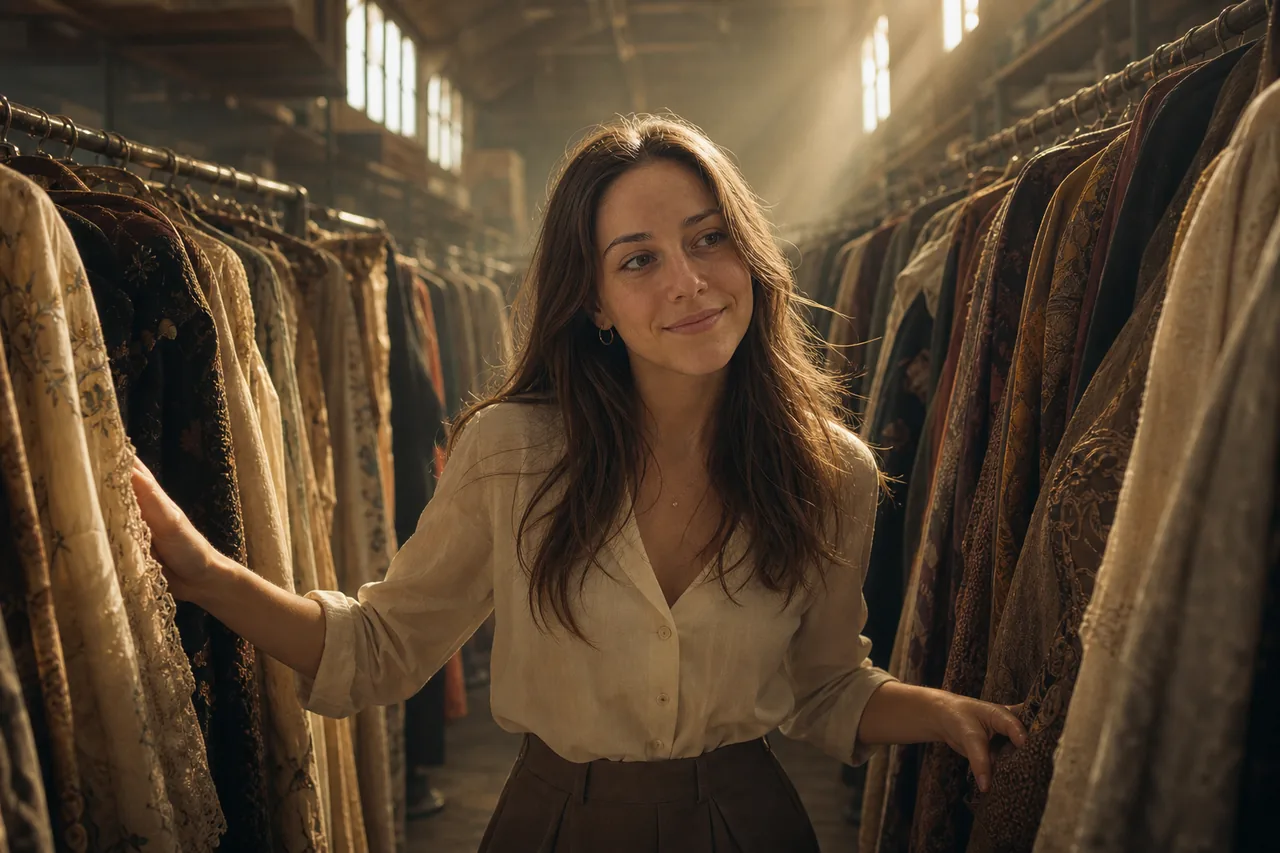
示意Walking the costume archive between period wardrobes