01
Mood-Matched Visuals
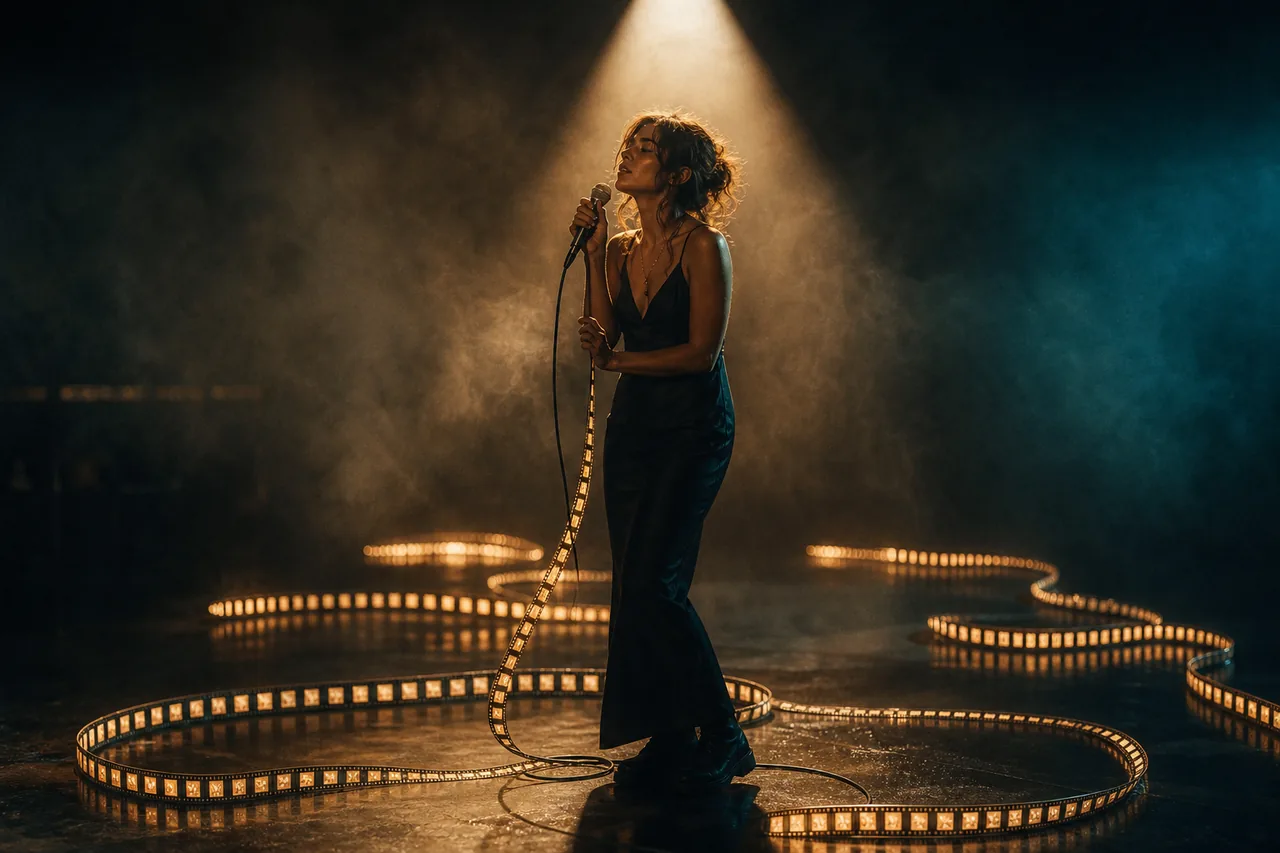
Describe the mood, atmosphere, and visual theme of your music, and AI generates matching visuals. From melancholy rain to euphoric neon, your music gets the perfect visual companion.
Describe the mood, atmosphere, and visual theme of your music, and AI generates matching visuals. From melancholy rain to euphoric neon, your music gets the perfect visual companion.
Chain multiple AI clips together in the Studio timeline. Build visual narratives that evolve with your song, transitioning between scenes and moods across the track.
Choose from photorealistic, anime, abstract, painterly, and dozens of other styles. Use style references to match a specific visual aesthetic that fits your genre and brand.
Most people looking for a free AI short music video generator get handed a single prompt box, and a single prompt box produces one four-to-eight second clip. A three-minute track needs twenty to thirty of them, cut to the beat, and it needs the performer to be the same person in all of them.
That is the whole argument for running it as a pipeline. You write the visual treatment, break it into numbered shots, render one still per shot so you can see the framing before paying for motion, and only then generate video. If the treatment is wrong you find out during the cheap stage.
Cost scales with total seconds rather than with shot count, which makes budgeting straightforward: a ninety-second cut is 5,850 credits ($14.63) on PixVerse C1 or 10,080 credits ($25.20) on Kling O3, however you slice it into shots.
A line about the mood is enough to start. The story stage returns a visual treatment you can rewrite freely — it is text, so iterating costs nothing.
Generate a subject sheet, or upload a photo of the actual artist. Either way it becomes the reference carried into every shot they appear in.
Time the shots to the track before rendering anything. The shot list is a table you can edit, and shot length is what you will be billed for.
Shots render against their references and concatenate in order. Audio is mixed in at the compose step; the video stream is copied through untouched, so nothing is re-encoded or watermarked.
Signing up puts 100 credits in your account, once, with no card. For a typical short story that is enough to go from your idea to a storyboard — the story brief, the script, the cast images and the shot plan — or, if you would rather, about 16 images in the image studio. A longer script or a bigger cast can use it up first, and the video itself is bought with credits.
Realistically, the grant covers the treatment, the performer sheet and a shot list — the whole plan for a video — plus about one keyframe. Rendering it starts at $0.23 for a five-second shot on Grok Imagine Video.
Reelfo does not stamp a watermark on anything it renders. The compose step copies the video stream through untouched — there is no overlay filter in the pipeline to apply one.
 示意
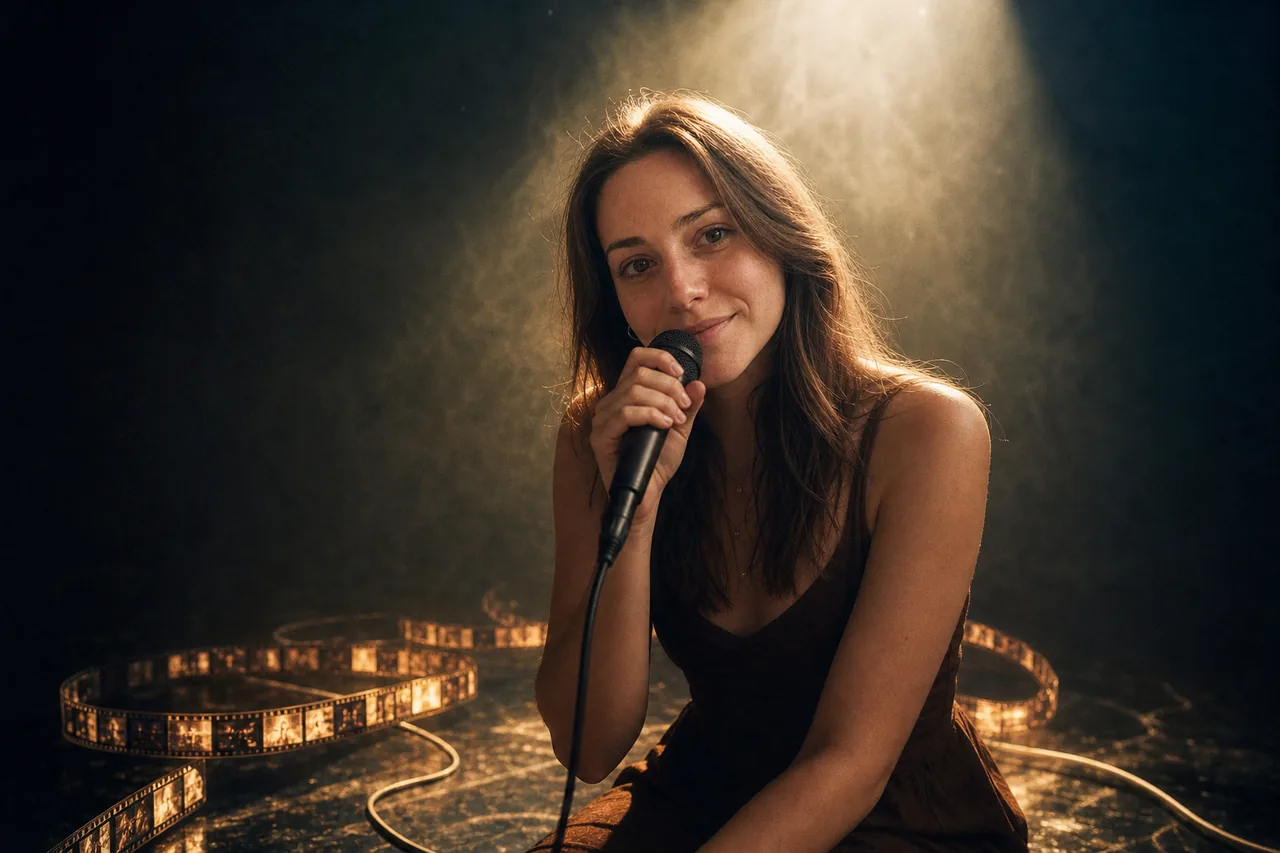
示意One hard spotlight, cable coiling into glowing frames
 示意
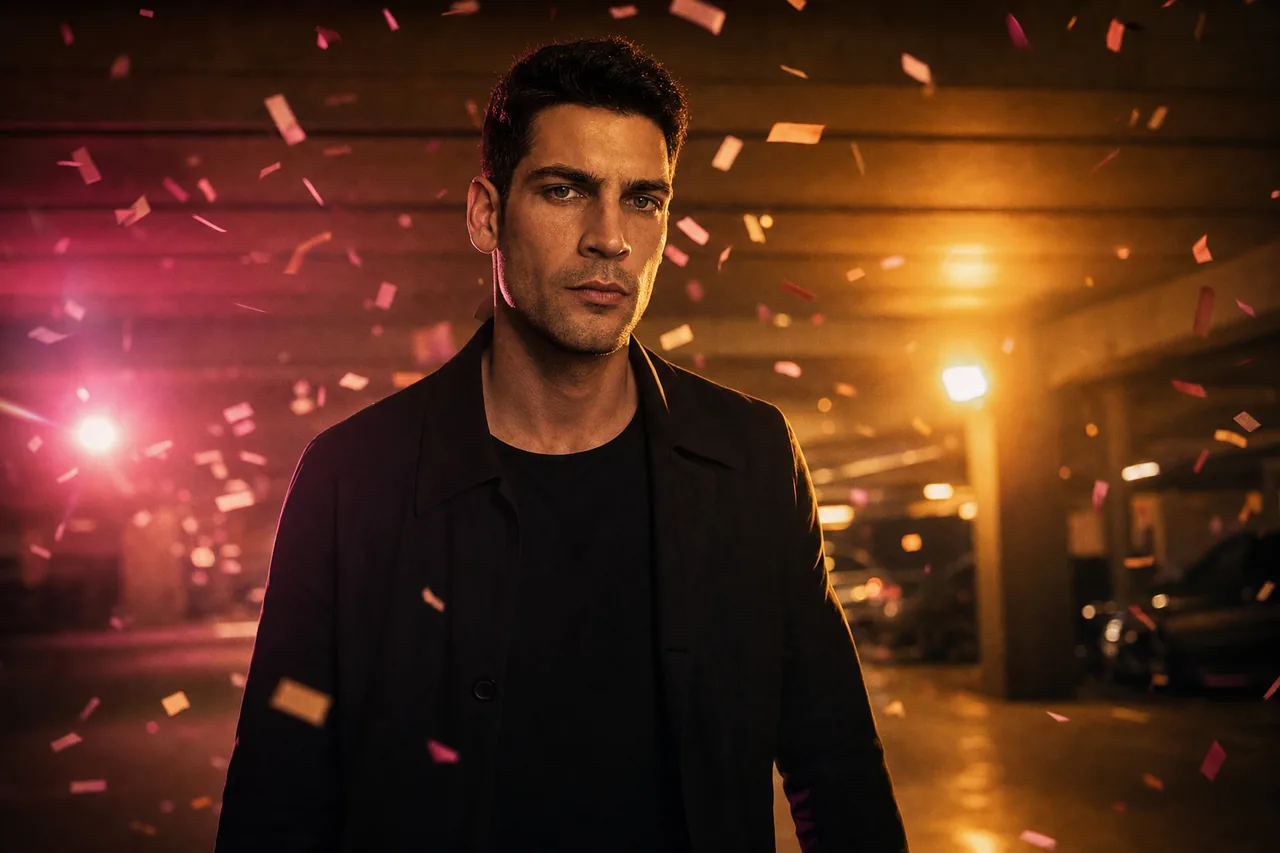
示意Slow-motion confetti in a magenta parking garage
 示意
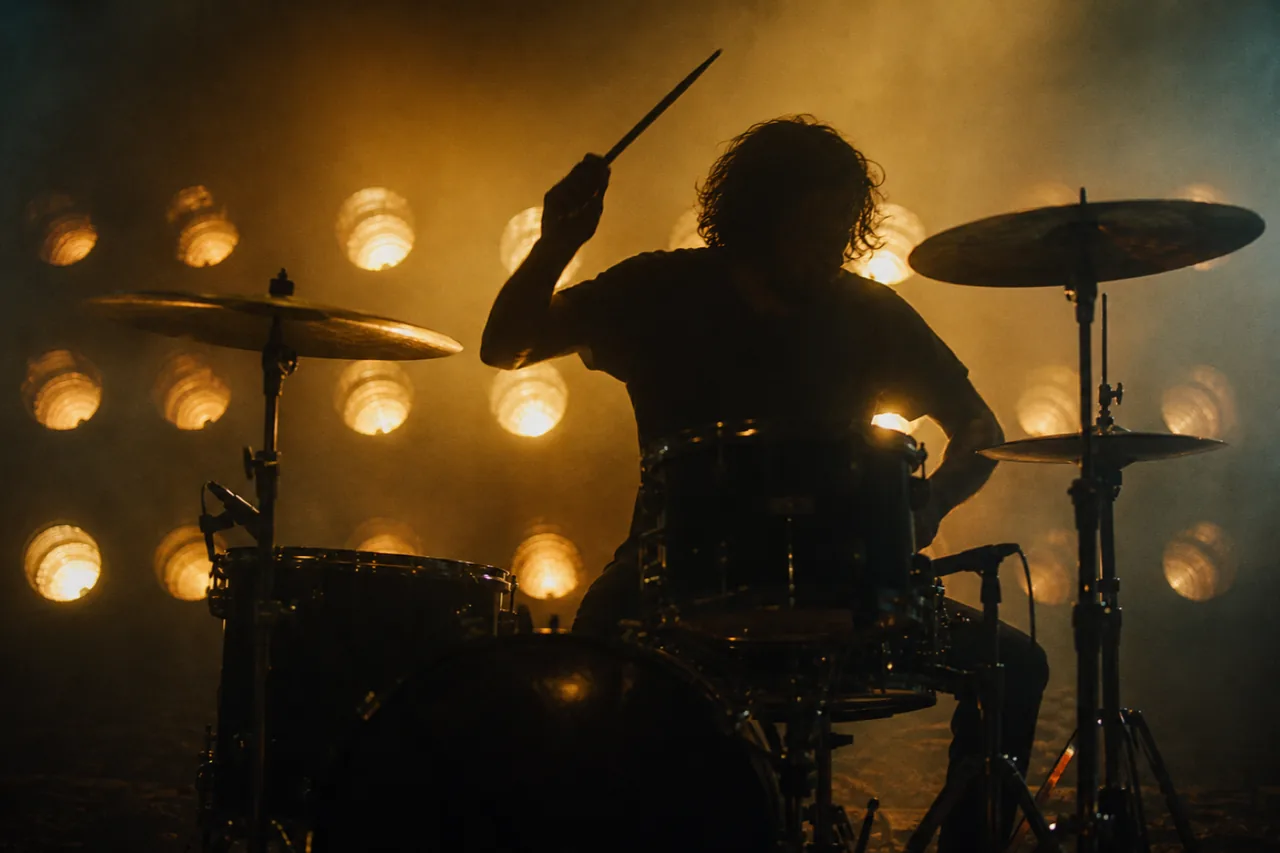
示意A drum kit silhouetted against tungsten PARs